

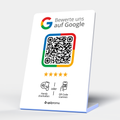
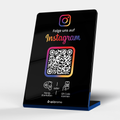
Destination types
Choose per product where the tap leads.
Product management
Displays, badges and cards live in your workspace. You define what opens after the tap and change it at any time. Free and without a subscription requirement.
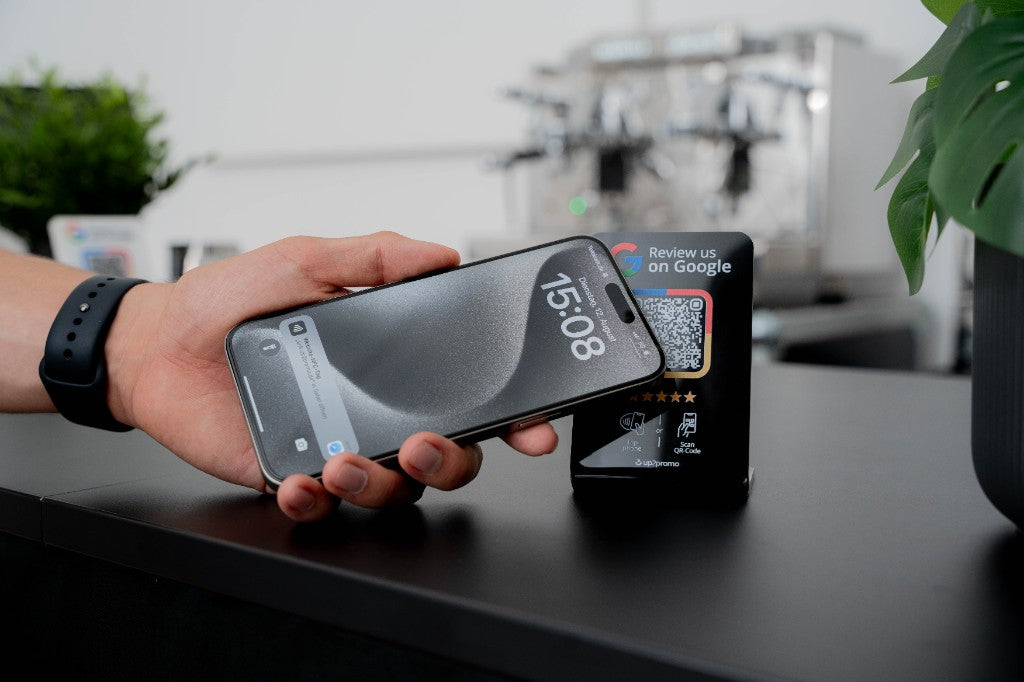
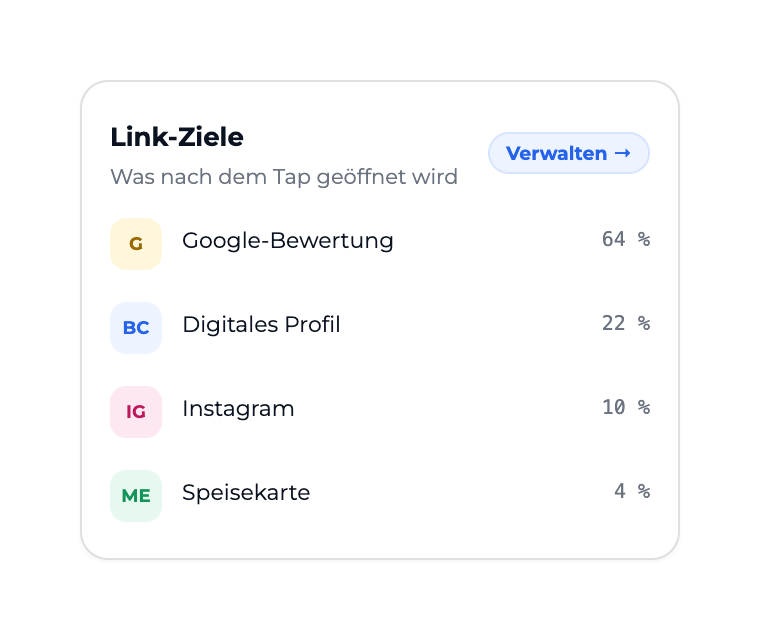
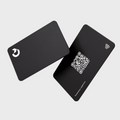
Photo: real display · app cards with fictional data
The form (display, badge, card) is independent of what opens.
Choose per product where the tap leads.
Promotion in summer, menu in winter: change the destination without reordering.
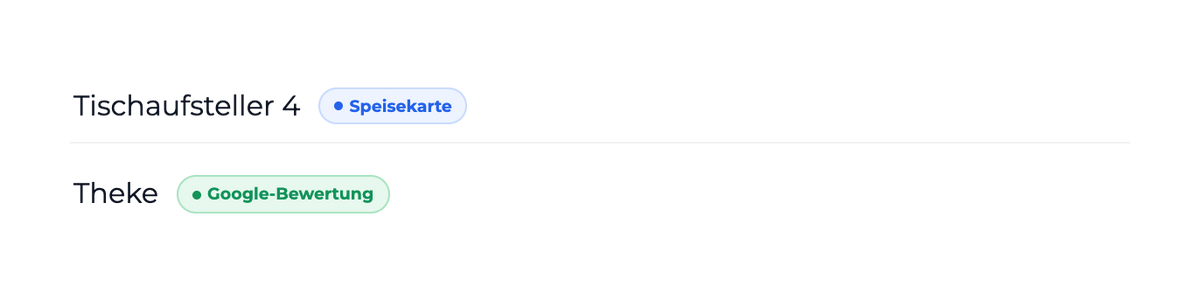
Google destinations come straight from the location. New branch, right link.
A scan appears in real time in the workspace.
See which destinations are opened how often.
Delivered pre-configured or connected yourself via setup code.
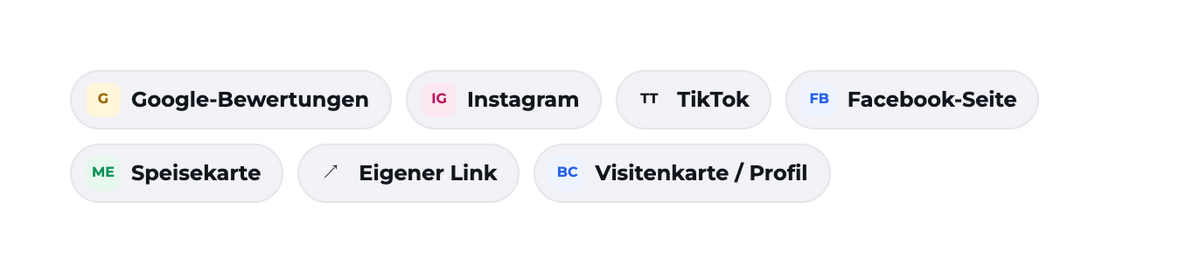
Google, Instagram, TikTok, Facebook, menu, your own link or profile.
Guests open the destination via NFC or QR, without an app.
Contacts in Leads, reviews in Reputation.

Set up a product
Choose the product, set the type, connect the destination, done. For several products at once there's "Same type and settings for all".
Product setup activates your product once, with a setup code or directly in the app. This page describes the management afterwards.
Personal support by hotline, chat and Help Center.
No. The display works with its destination. Management in the app is included in the Free plan.
Google reviews, Instagram, TikTok, Facebook page, menu, your own link or a digital profile.
Yes, any time in the app and without reordering.
Setup activates a new product once. Management is everything after that.
Scans are recorded as well as possible. They show trends, not an exact visitor count.
Free without credit card. Hardware and app are independent of each other.
Please fill out the following form to declare your withdrawal from the contract.


